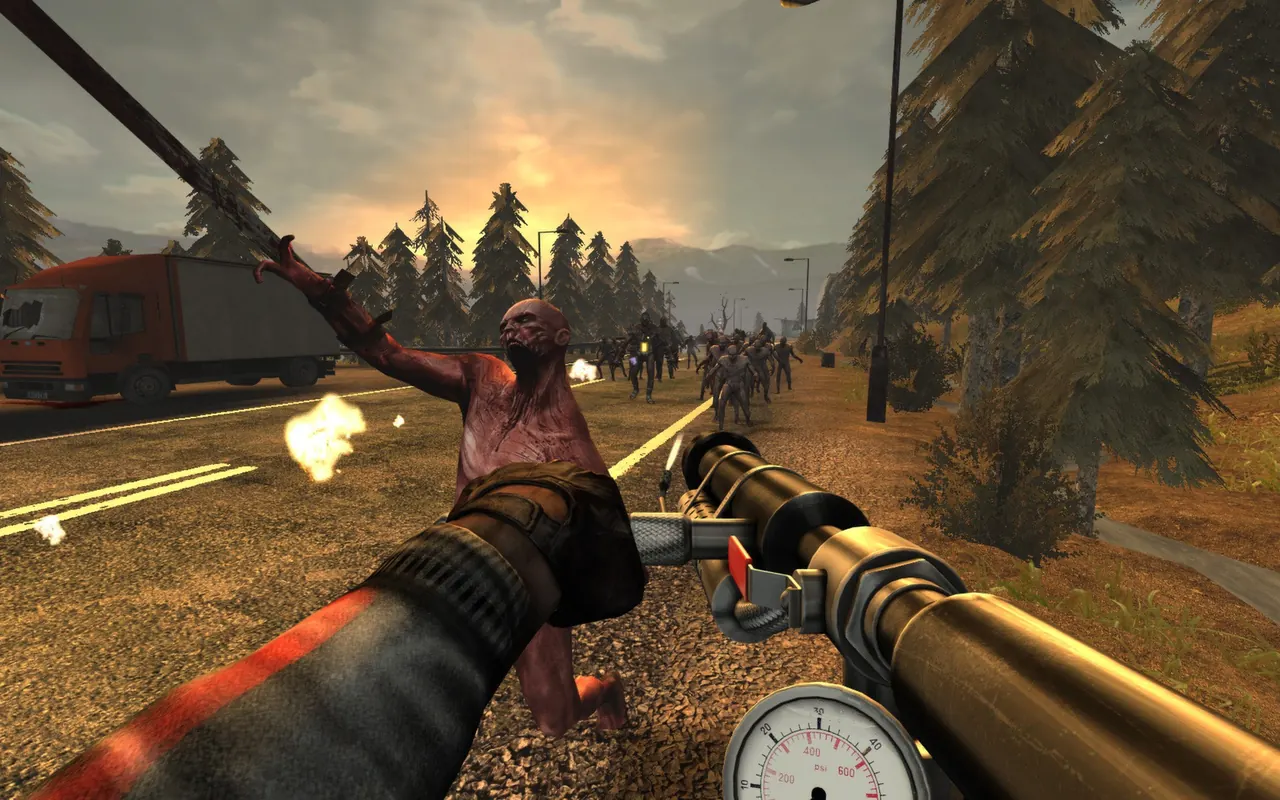
The original Killing Floor is 6-player wave-survival co-op: survive seven waves of Zeds, buy from the Trader between rounds, then fight the Patriarch. The game can host a listen server, but that needs port-forwarding and the host must stay in the game. A dedicated server avoids both. This guide shows how to host one by the hour, pick your map and difficulty, share the join line, and run it from the XWebAdmin panel. No install, no port-forwarding.
What you get
- 6-player co-op: The full original cap. Seven waves (the Medium game length) plus the Patriarch.
- 16 official maps: Pick from 16 official maps on deploy. The rest of the stock maps are on the server too, and you can load them from XWebAdmin. Nobody downloads anything before playing.
- Five difficulties: Beginner, Normal, Hard, Suicidal, Hell on Earth. You pick one on the deploy form.
- XWebAdmin panel: A browser panel to change map, switch difficulty, and kick or ban players live.
- By the hour: The server is ready in about 5 minutes and you pay only while it runs.
Deploy the server
Open the deploy page, pick a region close to your group, choose a starting map and difficulty, then start it. The server comes up on a public IP in about 5 minutes. You deployed it, so you are the admin.
- Region: Pick the location nearest the whole group for the lowest ping.
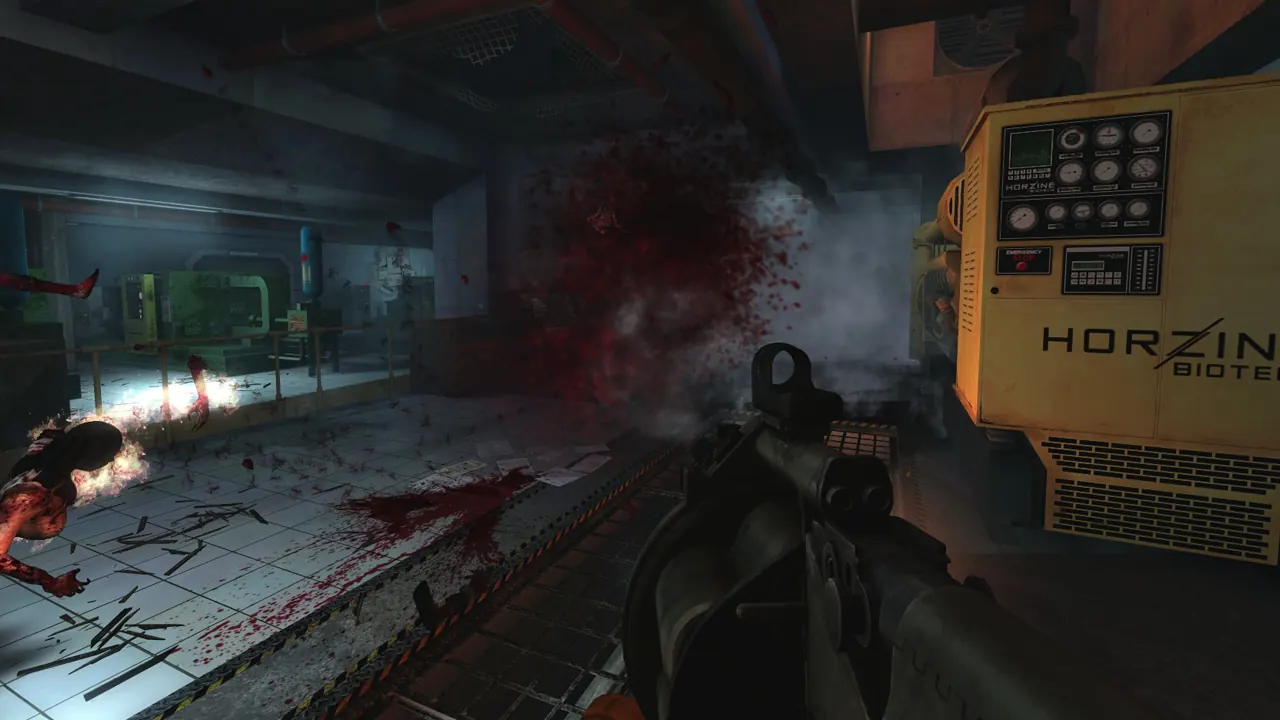
- Map: Default is Biotics Lab. You can change it any time from XWebAdmin.
- Difficulty: Default is Normal. Higher settings add more Zeds and tougher specimens.
- Join password: Leave it empty for open join, or set one to keep the server friends-only.
How your friends join
The server sits on a public IP, so there is no VPN and no port-forwarding. Friends join two ways: the in-game console, or the server browser. Open the console with the tilde key and run the connect line. Each player needs Killing Floor on Steam.
open IP:7707- Console: Press the tilde key, type the open line above, replace IP with your server address.
- Server browser: Find it in the Internet tab, or add it to Favorites by IP. The name starts with 2hours.gg.
Keep it friends-only
If you set a Join password on the deploy form, friends add it to the connect line. Anyone without the password cannot join.
open IP:7707?Password=yourpassAdmin from XWebAdmin
Killing Floor has no in-game admin console and no RCON. You manage the running server from XWebAdmin, a small web panel the server hosts. Open it in a browser and log in with the credentials on your server card. From there you can change the current map, switch difficulty, kick or ban players, and edit server settings.
http://YOUR_SERVER_IP:8075/- URL: Point a browser at your server IP on port 8075.
- Login: User Admin, with the admin password shown on your server card. That password is the panel login, not an RCON password.
What ships built in, and the limits
- Perks: The full perk system: Berserker, Commando, Support, Field Medic, Sharpshooter, Firebug, Demolitions. Players level them by playing.
- Player cap: Up to 6 players. That is the original co-op cap and this build keeps it, so the game plays as intended.
- No bots: There are no fill bots. The Zeds are the enemy, not slot-filling players.
- Custom maps: Community maps are not delivered automatically on this release, since that needs a redirect download host. Everyone plays the official maps that ship with the game.
Deploy a Killing Floor server by the hour